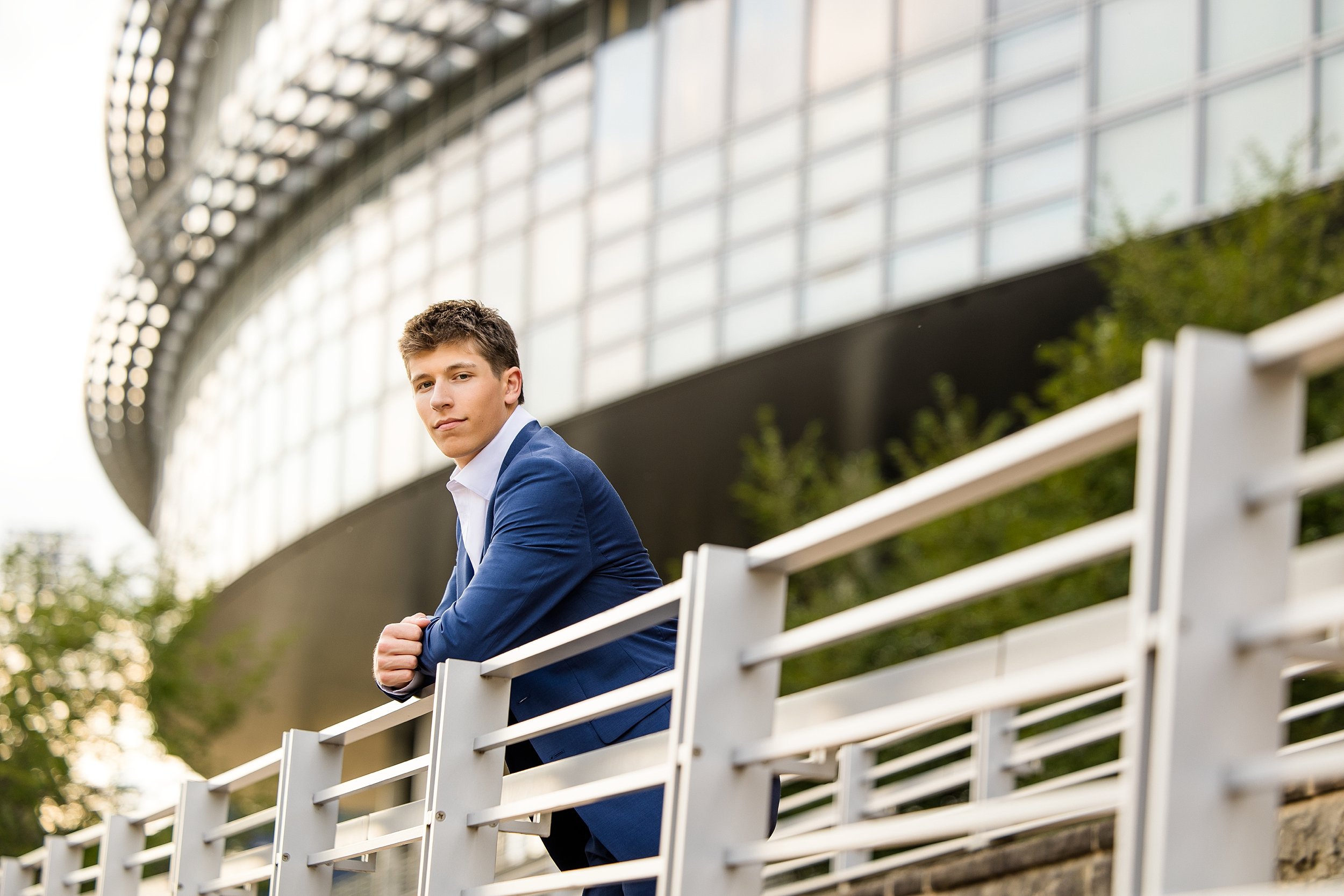
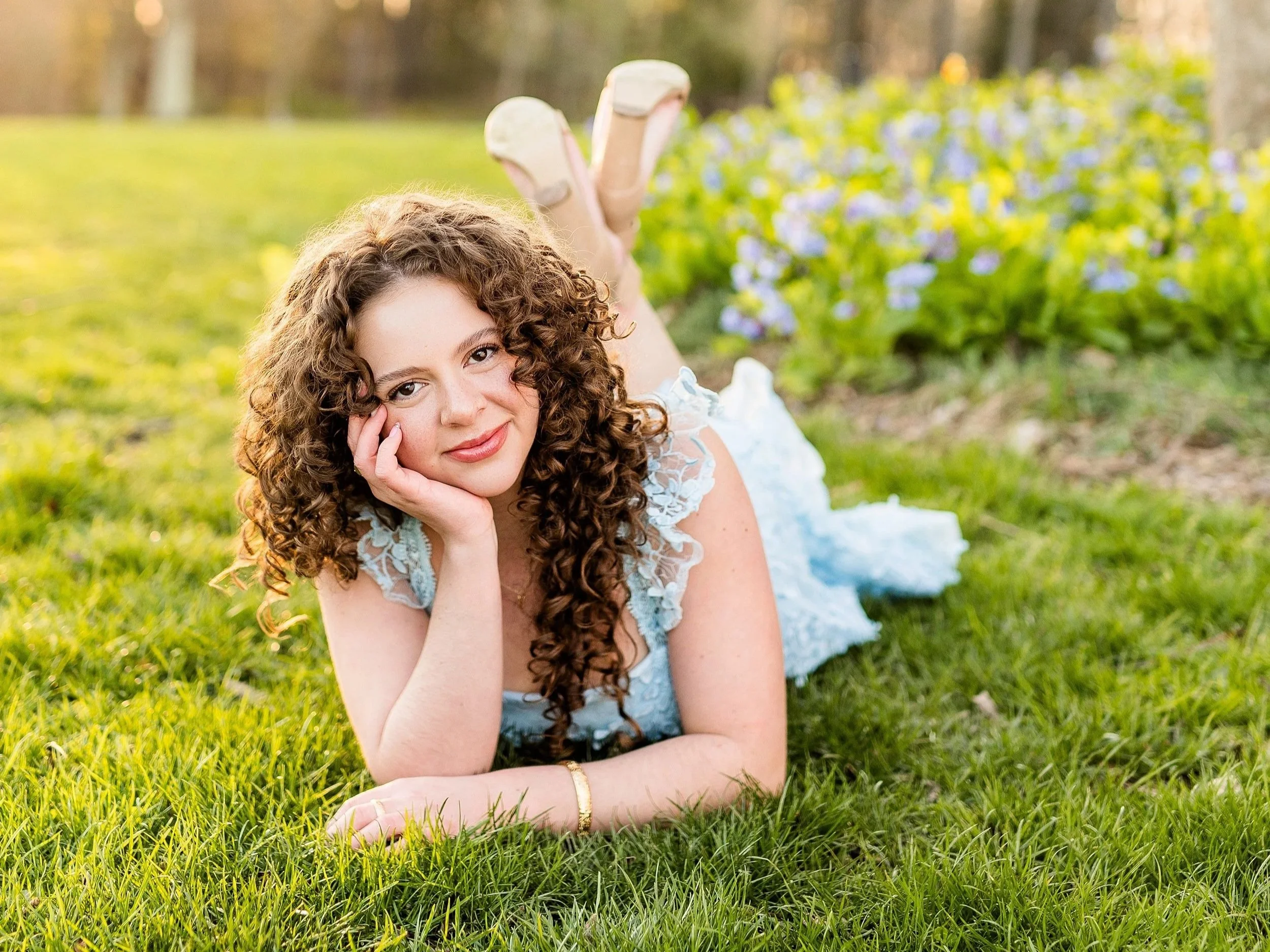
As a Pittsburgh senior photographer, I love sharing a behind-the-scenes look at my editing process.
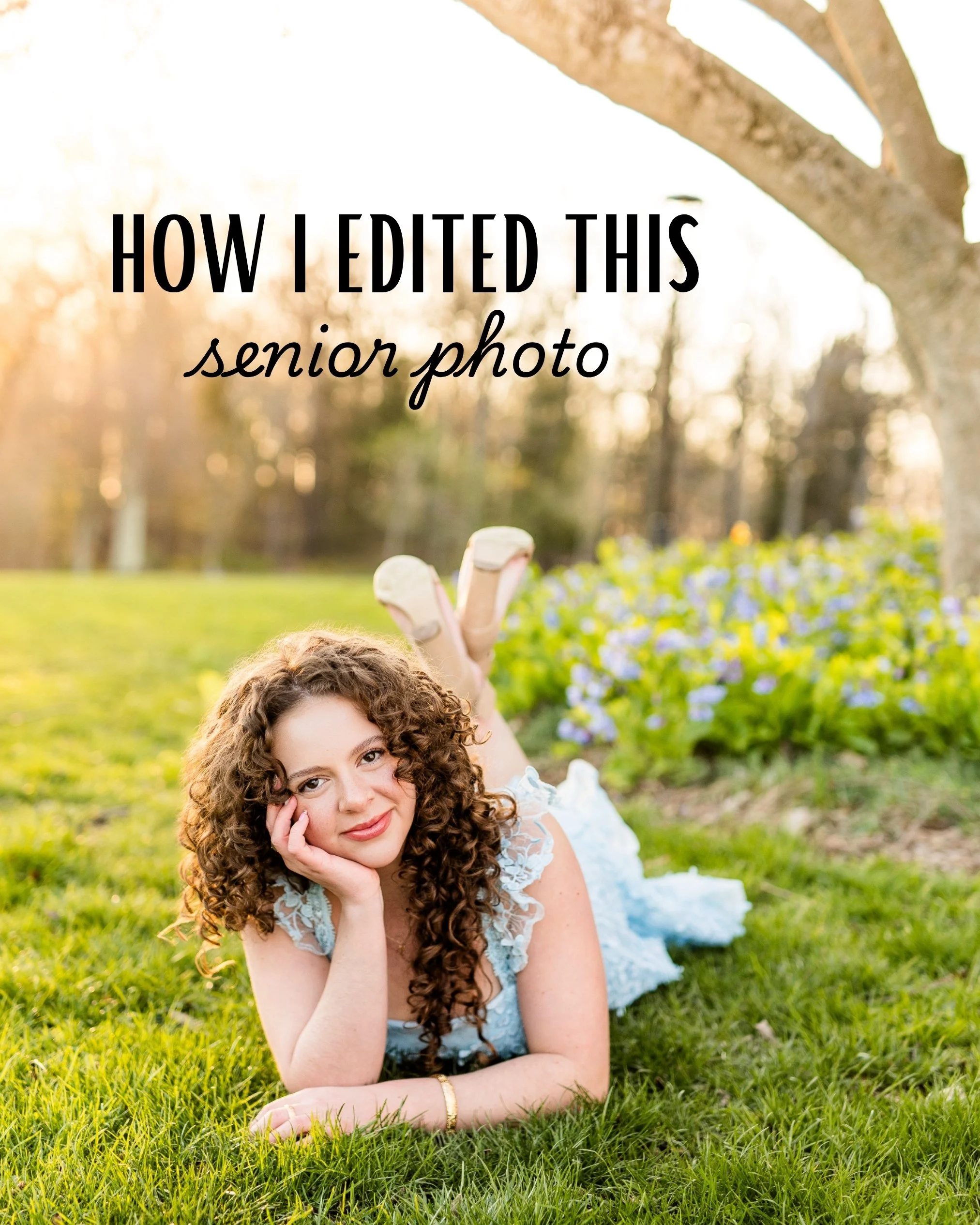
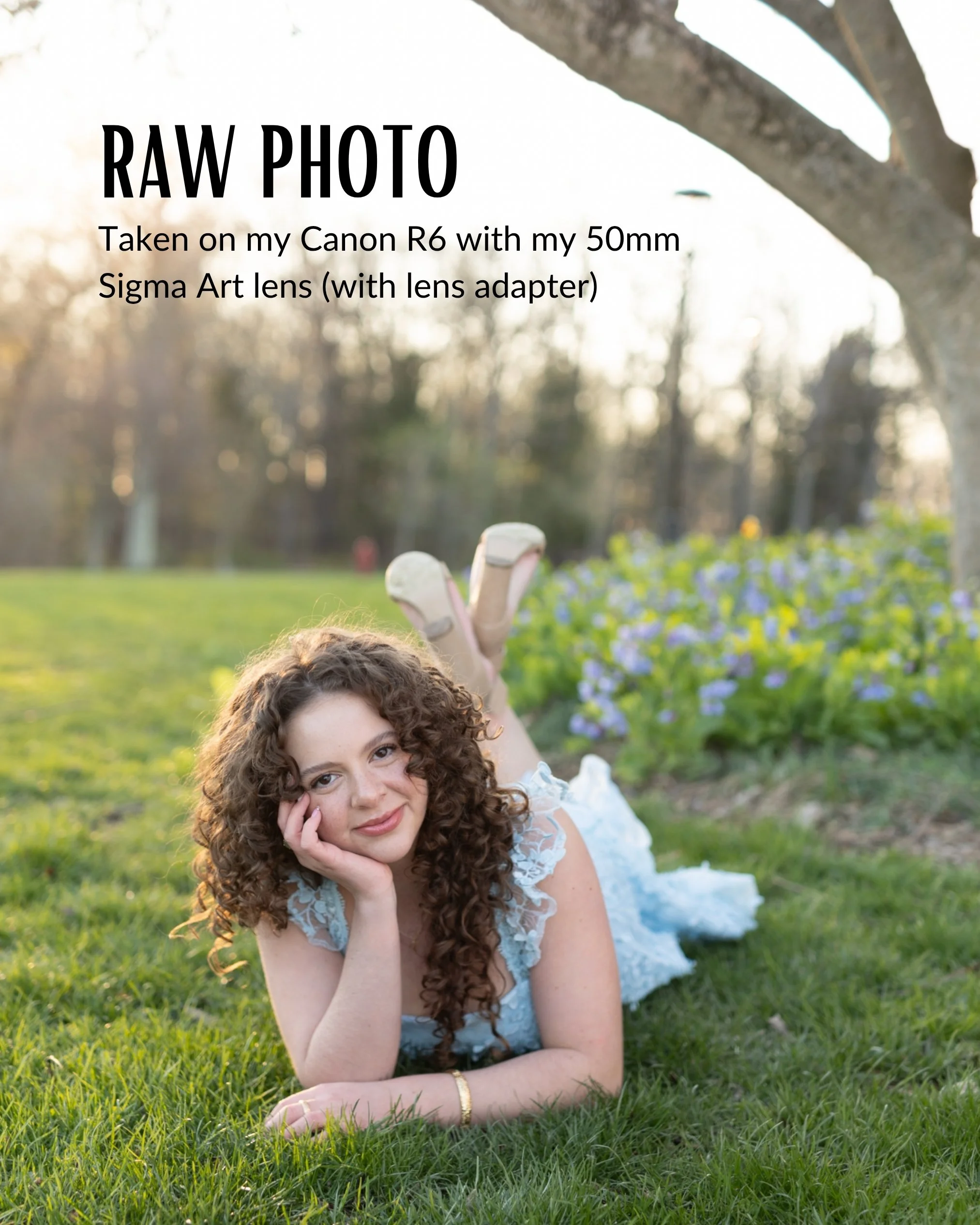
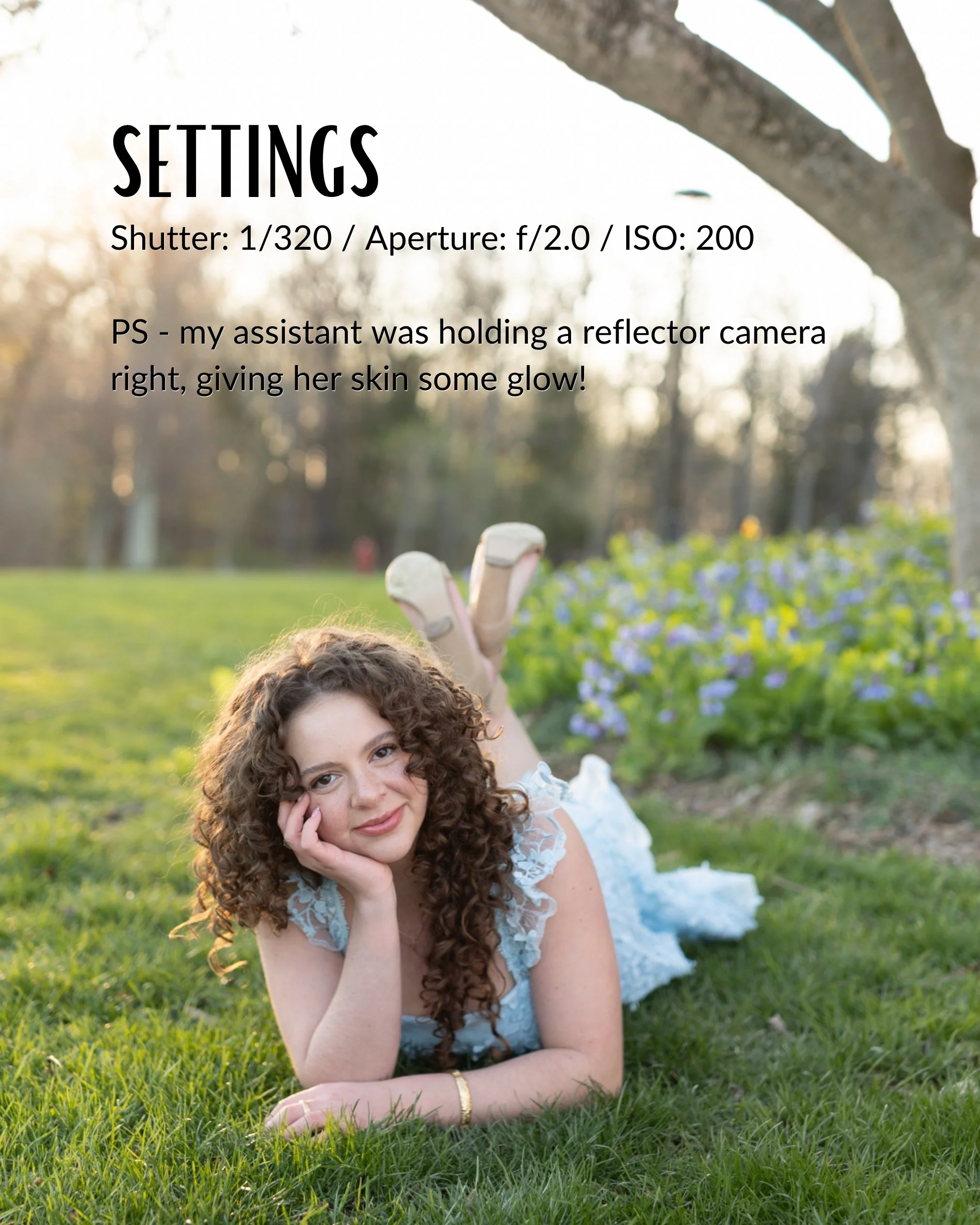
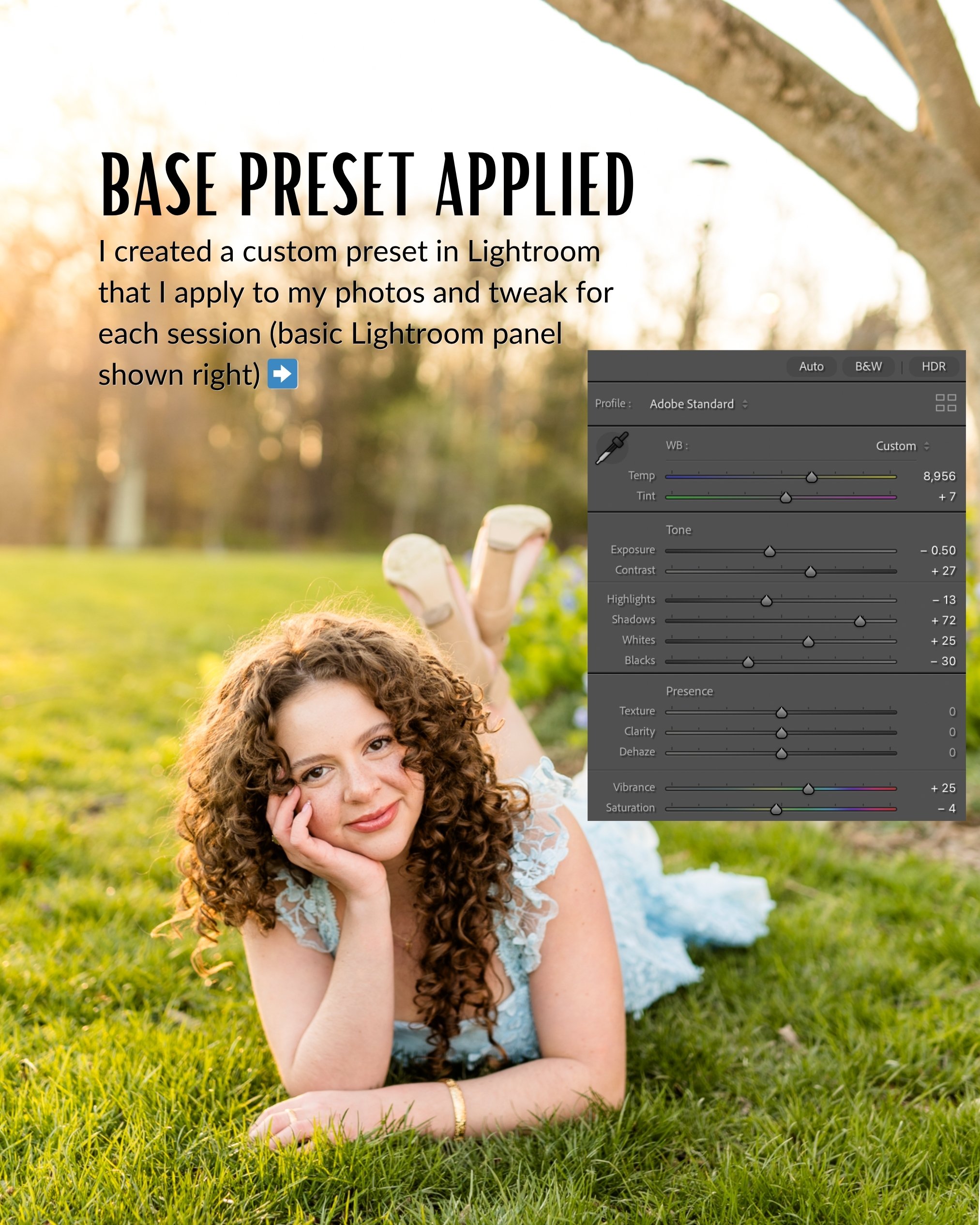
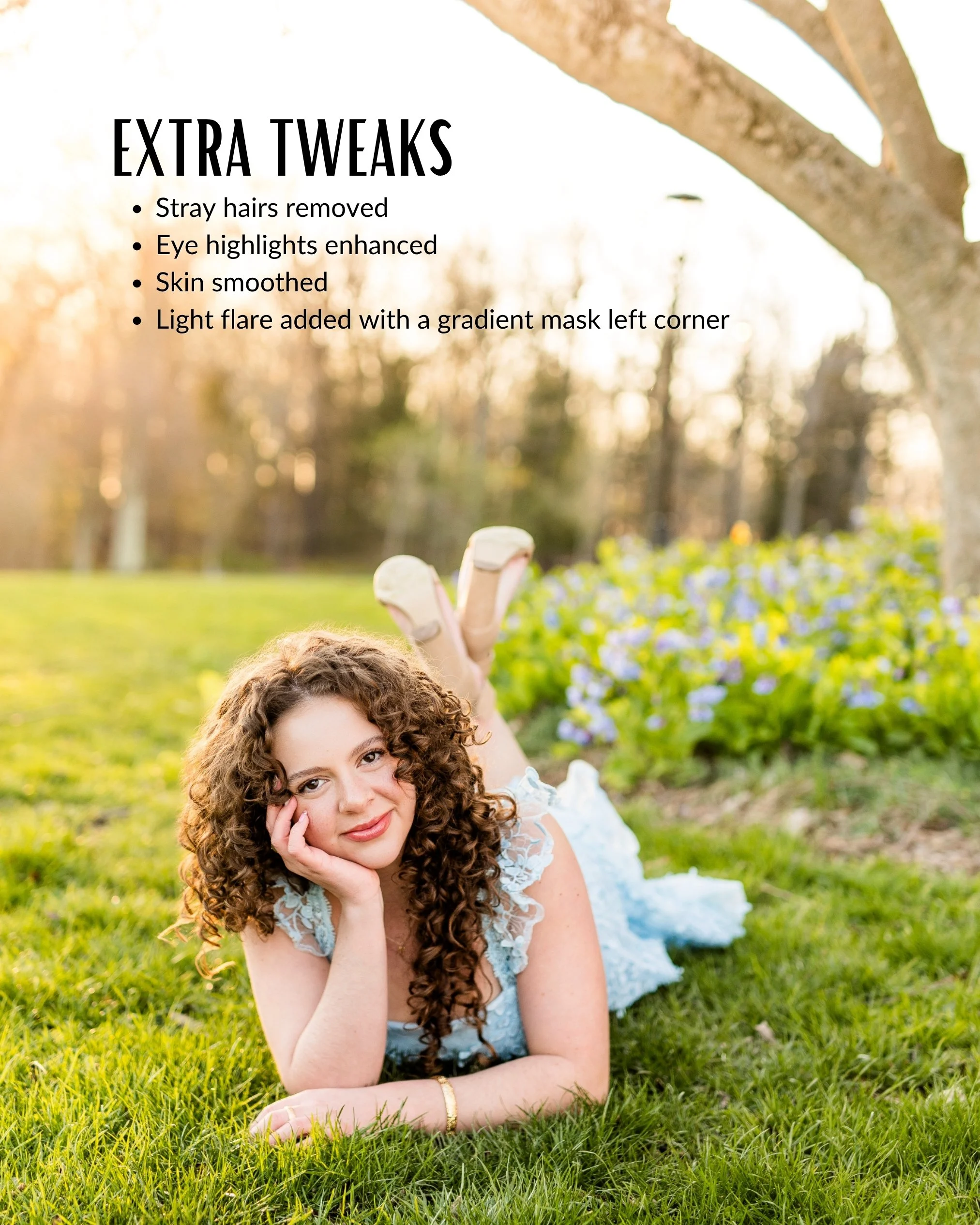
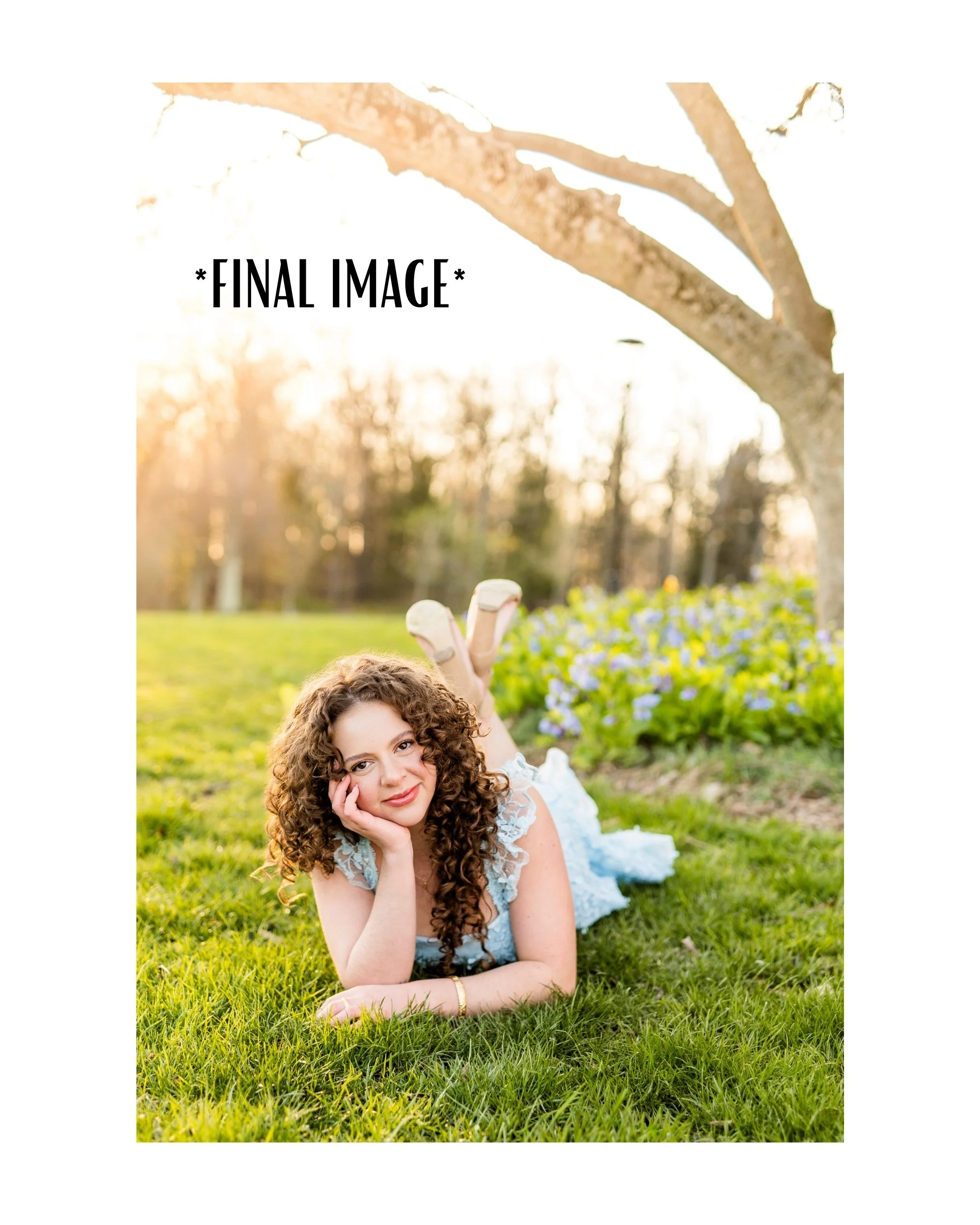
Recently, I shared an Instagram post breaking down exactly how I edited this senior photo in Adobe Lightroom. From refining colors and exposure to enhancing skin tones and creating a polished final image, I walked through the adjustments that helped bring this portrait to life.
When I was learning photography, editing tutorials and Lightroom breakdowns were some of my favorite resources. Seeing how other photographers approached their edits helped me better understand color, consistency, and developing a personal style.
For this image, my goal was to create a clean, timeless edit while keeping the colors natural and true to life. Using Lightroom, I made subtle adjustments to enhance the overall look without taking away from the authenticity of the portrait.
I hope this editing breakdown gives fellow photographers a helpful look into my Lightroom workflow and photo editing process. Enjoy!